Sign In and Sign Up with Bonuses at 1Red Casino
Every UK player’s first step on 1Red Casino is to sign up and enjoy our welcome bonus of 200% deposit reward of 9,300 GBP and 100 free spins. You need to create a valid and functional email address. Click on the 1Red Casino Sign Up button and you put in your email address and password.
You also need to submit some documents for verifying your identity, address and payment information. Without verification, you cannot make withdrawals. Our 1 Red Casino Login process is even simpler because it is something that you will do often. All you do is to provide your email address and password.
How to Register at 1Red Casino in the UK
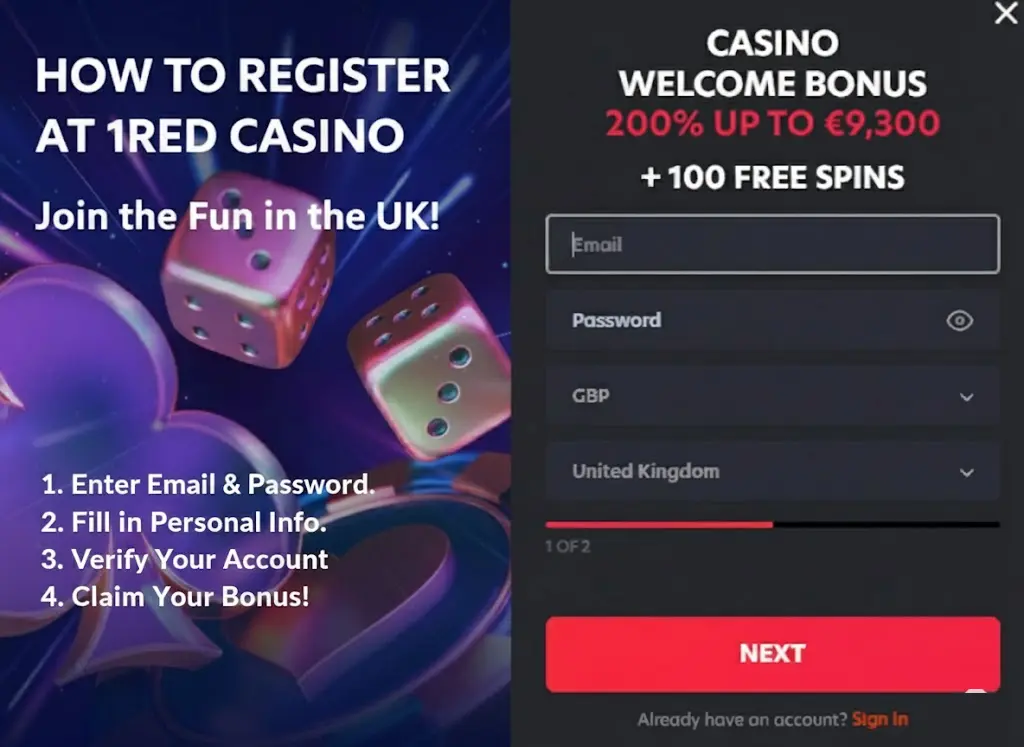
Go and 1Red register an email address on a platform like Gmail and Yahoo. Hit the Sign Up button on the upper right corner of our homepage. Type in your email address and password in the form that will appear in the middle of the page. Click on the NEXT button. A new form will appear on the next page.
You will be required to type in your last name, first name, date of birth and an optional bonus code. You can use the bonus code ONRED in the box if you have enough to deposit.
Click on the link to our terms and conditions page. You will see all the information related to 1Red Casino registration, the availability of games, dormant accounts, game rules, disclaimer of liabilities and other important details. Click within the box that shows that you are above 18, and you comply with our privacy policy, terms and conditions.
If you want to receive notifications on our latest promotions via email, tick the appropriate box. Then hit the 1Red Casino Sign Up button. A link will be sent to your email inbox. Click on it to verify your account.
Account Verification for UK Players
Verifying your account takes only a few minutes. Here are the steps to follow:
- Sign in to your account
Click on the log in button on the top right of our homepage. Type in your username and password.
- Open your user profile
Tap on profile on the sidebar on the left. A new menu will open again. Click on profile again.
- Upload the required documents
Click on the 1Red verification tab. To validate your identity, you will need to upload an international passport or driver’s license. A government issued ID that has your face will work. Address verification requires submitting your bank statement, utility bill and phone bill. Payment method validation requires that you submit a photo of your e-wallet page or online bank.
- Verify your phone number
Enter your phone number in the box and click verify. You will receive a code in your SMS. Type it in to validate your phone number.
1Red Login Procedure
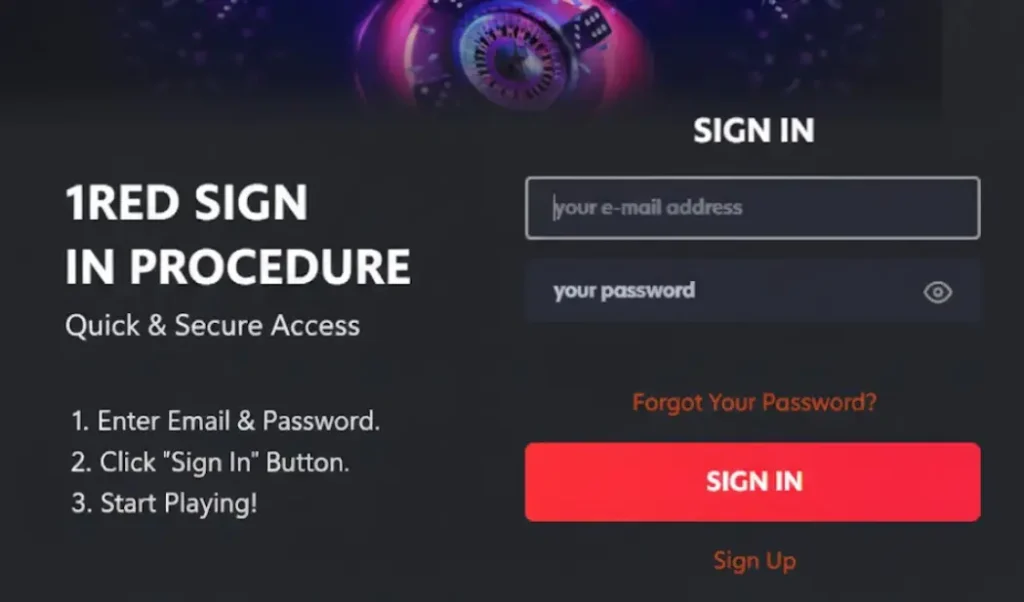
To sign in on the 1Red Casino, here are the steps to follow.
- Click the Log in button: Hit the 1Red Casino login button on the top right of our homepage.
- Fill the form: You will type in your registered email address and password in the box provided.
- Perform Two Factor Authentication (2FA): We will send a One Time Password (OTP) via email or SMS. Click on Sign In.
Once signed in, you can access the dashboard where you will manage your deposits and bonuses. If you are logging in on a shared device, we advise you to sign out after every session.
One Red Casino Login via Mobile App
Logging via mobile app is the same as our official website. It is secure and fast as our app is designed to be user-friendly. After installing our progressive web app, click on the Sign In button on the top right corner of our home page. Type in your registered email address and passwords in the appropriate boxes and click Sign In.
If your device supports biometric authentication such as facial recognition or fingerprint, you can use it for One Red Casino login. To enhance your security and prevent unauthorized access, enhance Two Factor Authentication (2FA) in your account settings.
Required Personal Information for 1 Red Casino Login
1Red requires all potential UK players to provide information about themselves. Due to the UK’s legal system, we have an intensive Know Your Customer (KYC) process. During 1Red registration, you will provide your details like full legal name, date of birth and residential address. Your date of birth helps us know if you are truly above 18.
The purpose of getting your physical address is to validate that you are in the UK. We also need your phone number for extra account protection and two factor authentication. Our KYC process helps us to combat money laundering and prevent bonus abuse.
Possible OneRed Casino Login Issues for New Users
Players face 1Red Casino UK login issues that may or may not be their fault. Here are some Sign In problems that you might come across and how you can resolve them.
| Login Problem | Explanation |
|---|---|
| Incorrect email address or password | If you have typos in your email address or password, your Onered Casino login process will be unsuccessful. Furthermore, beware of the Caps Lock button if your password is case sensitive. Another problem that you might face is trying to log in with an unregistered email address. |
| Temporarily locked account | Your account can get disabled after too many failed 1Red login attempts. Inputting the wrong login credentials triggers our security locks. The solution is to wait for some hours. If the problem persists, contact our customer support. |
| Use of Virtual Private Networks (VPNs) | VPNs can change your location to a country where 1Red does not render its services. |
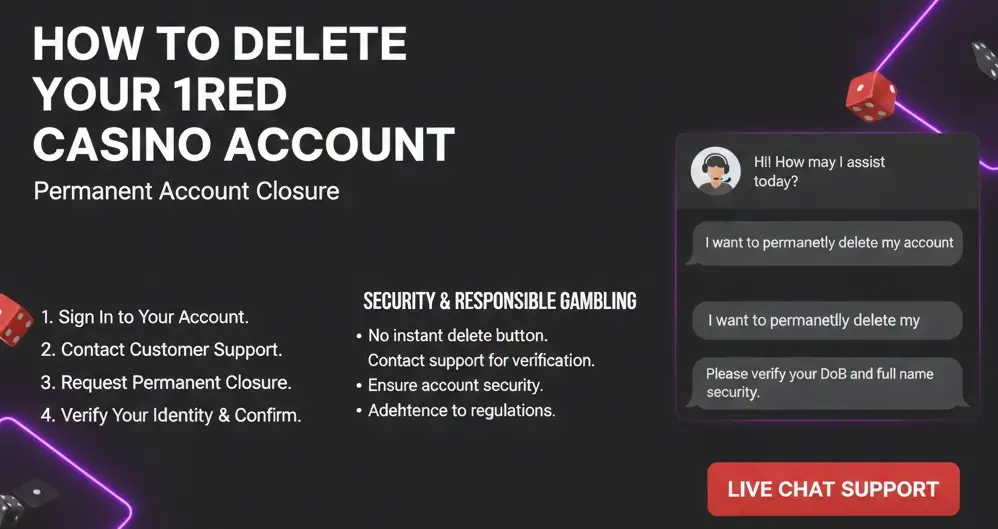
How to Delete your 1Red Casino Account
1Red Casino does not offer a button to delete your profile instantly. We want to be sure that you are really the one behind the account deletion process. Any account deletion request has to go through customer support so as to ensure that security and responsible gambling rules are adhered to. Here are the steps to terminate your account.
- Sign In: Log in to your account with your registered email address and password.
- Reach out to customer support: Use live chat or email to get in touch with our customer support representative.
- Request 1Red Casino registration permanent account closure: Indicate that you want your account to be shut down permanently. You can also give our customer service representative the reason why you want it shut down.
- Verify your identity: To confirm that you are the one deleting the account, we will ask for basic details about you such as your date of birth or full name. Wait for confirmation that your account has been disabled.
Password Recovery Process
To retrieve your password, follow these steps.
- Hit the Log In button: Click on the Sign In button on the top right corner of our homepage. A 1Red sign in form will appear.
- Hit Forgot your password: Below the boxes to enter your email address and password, click on Forgot your password.
- Reset your password: On the next page, you will need to fill in your email address. Then click on Reset password. A link will land in your email inbox. Click on it to reset your password. If you don’t receive any link, contact our customer support representatives.